Vet carriers in seconds, right beside your TMS
Less clicks, more ships.
A carrier check that works as hard as you do. EdgeClerk sits in a Chrome side panel next to the tools you already use. Look up a carrier, see its safety picture and any warning flags, and get back to booking freight.
Request a free trial Sign in14-day free trial, no card needed.
What it does for you
Check a carrier fast
We pull up a carrier's FMCSA safety record in seconds, right in your browser. No tab-hopping, no copy and paste.
Spot trouble early
We show clear warning flags for possible fraud and double brokering, so you can take a closer look before you tender a load.
Stay in the loop
We watch the carriers you work with and alert you when something changes, so your team isn't caught off guard.
Built for teams
Admins add users, set your standard and keep everyone on the same page.
Lanes
Keep track of the lanes you run and the carriers you trust on them.
Client portal
Give your shippers a clean place to see their shipments.
See it in action
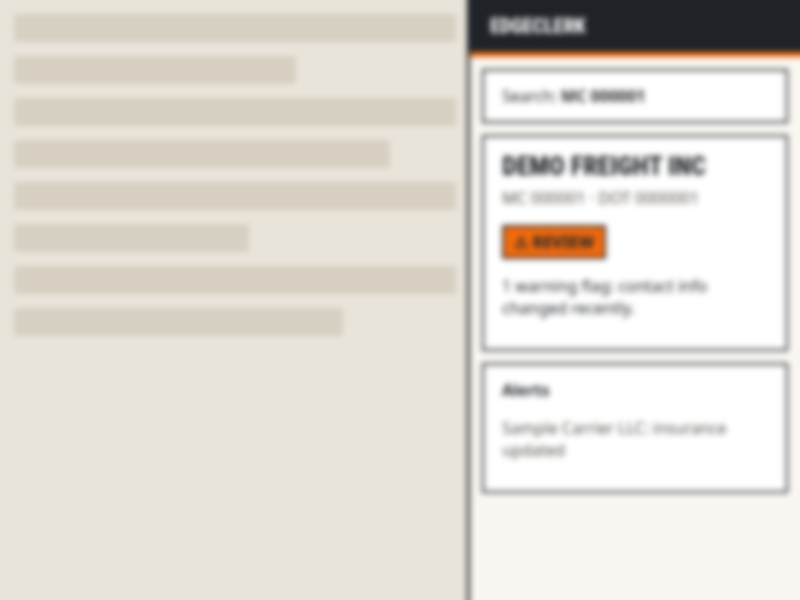
Look up a carrier without leaving your TMS.
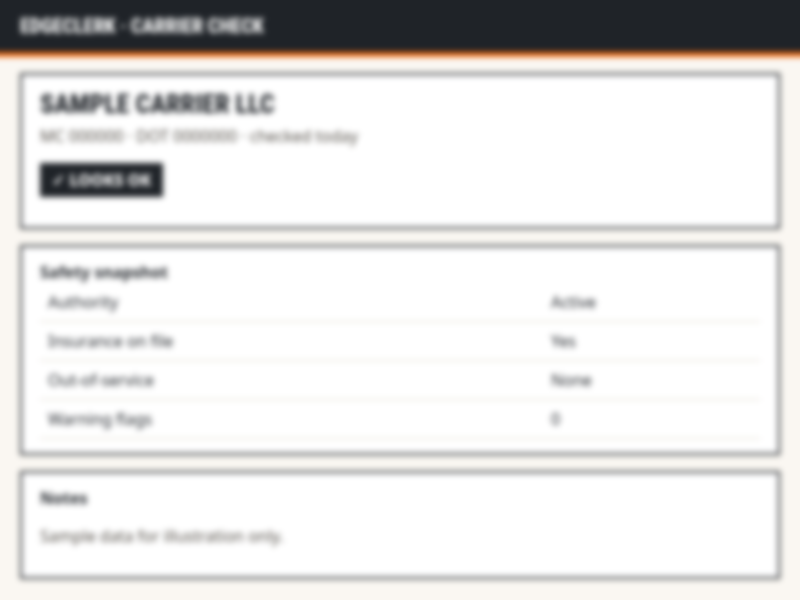
See the safety picture at a glance.
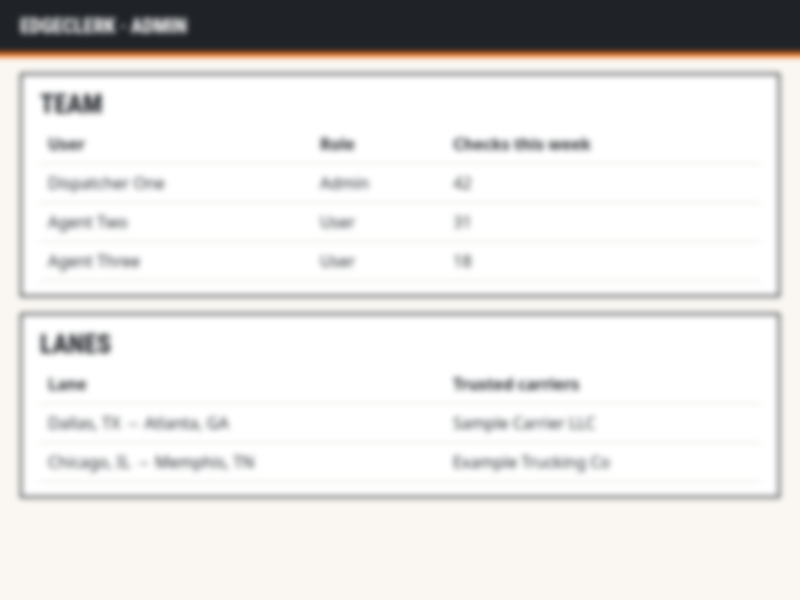
Manage your team and lanes in one place.
Who it's for
- Freight brokerages that want every rep vetting carriers the same way.
- Freight agents who need a fast, simple check before booking a load.
- Teams on any TMS: EdgeClerk works alongside the system you already use.
Try it free for 14 days
14-day free trial, no card needed. Email us and we'll set up your team.
Request a free trial Sign in